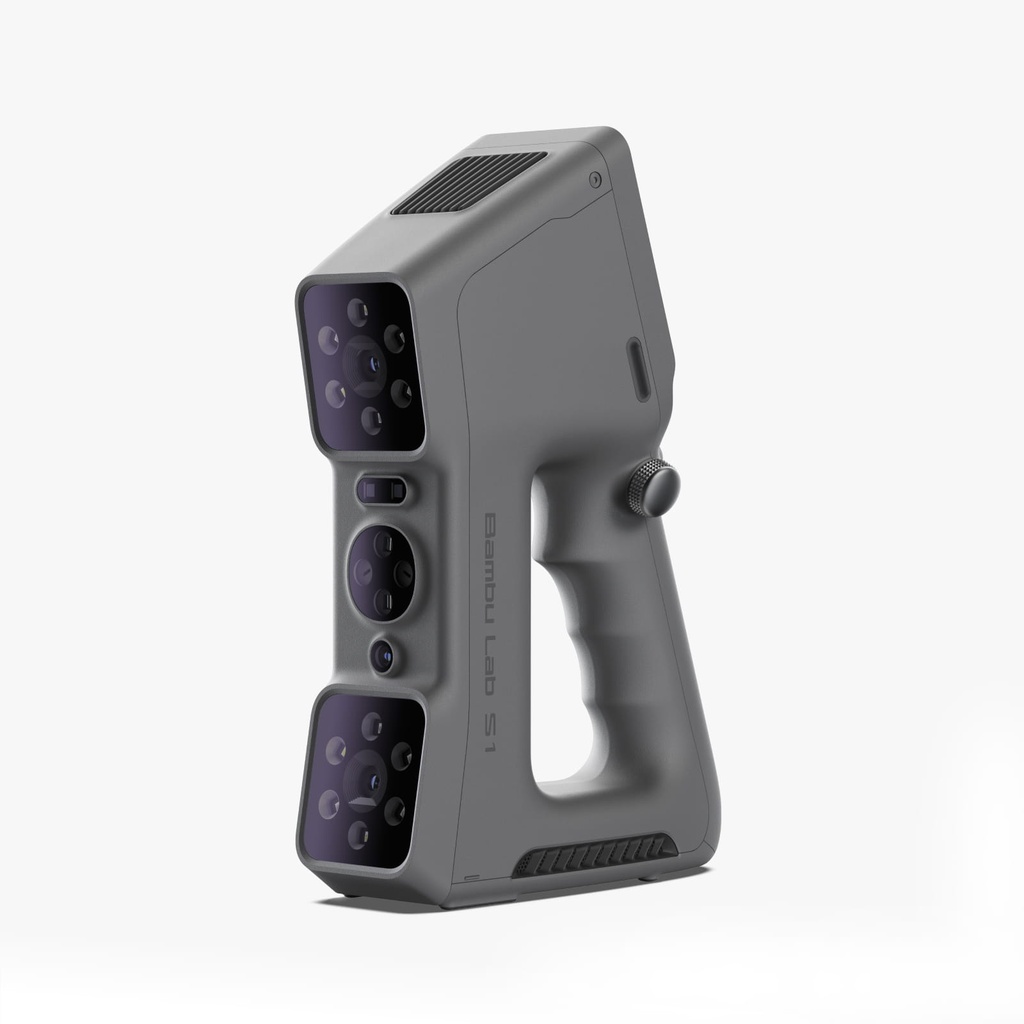
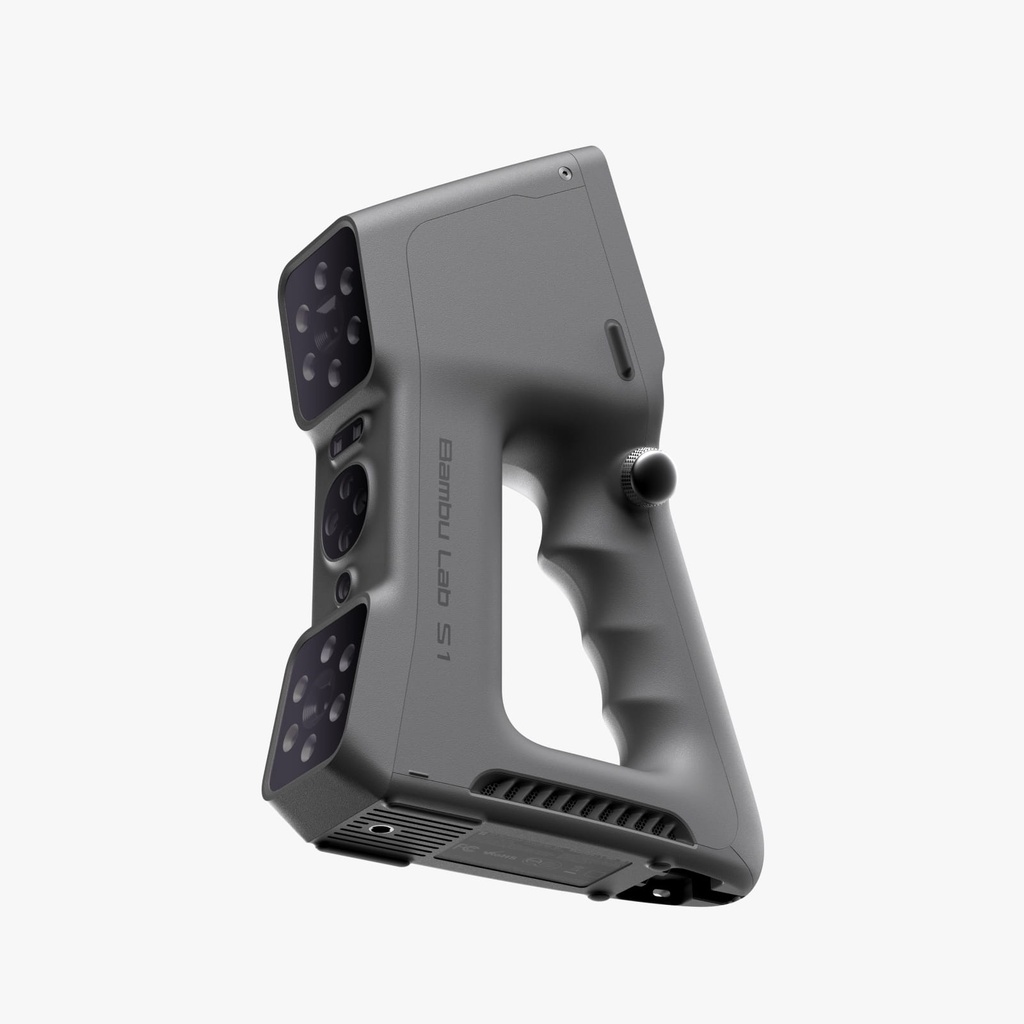
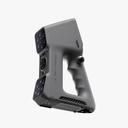
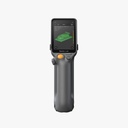
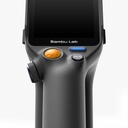
Bambu Lab S1 3D Scanner
Easy in hand, pro in every scan
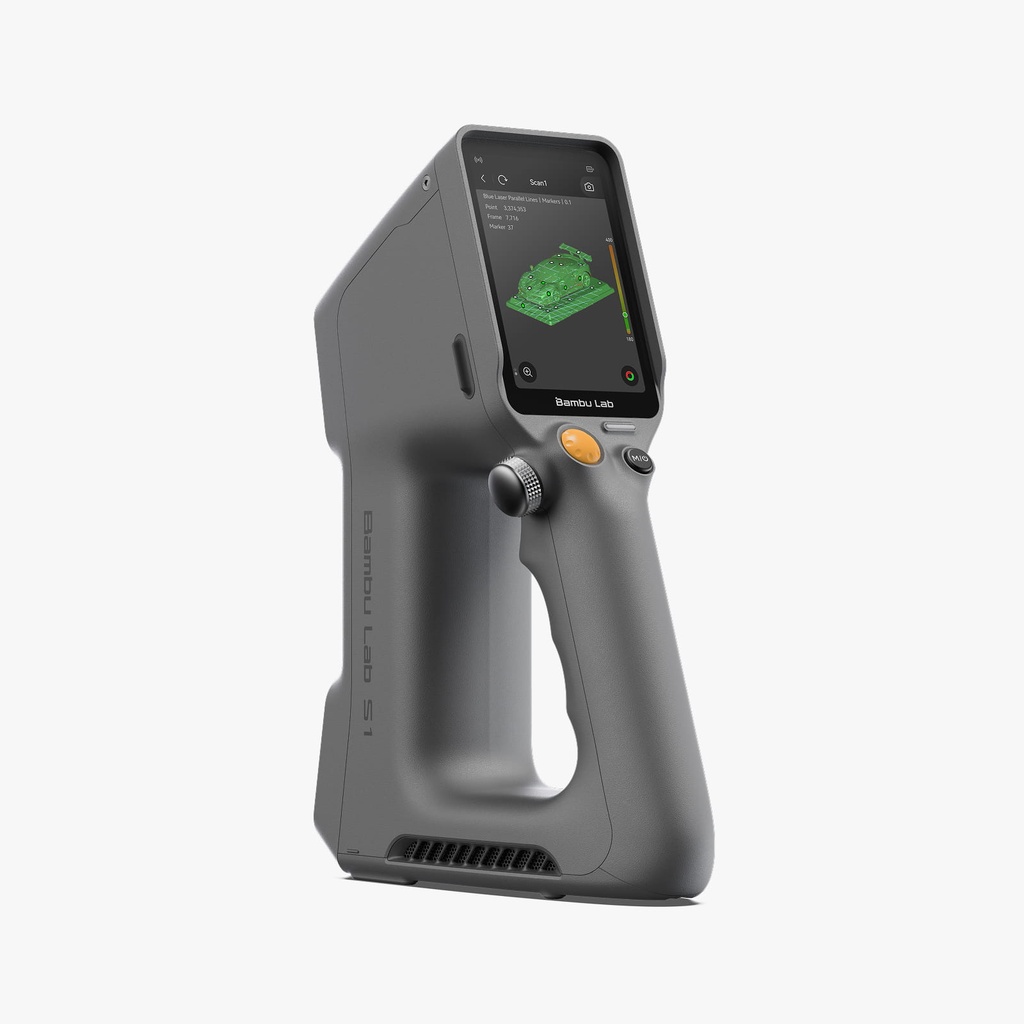
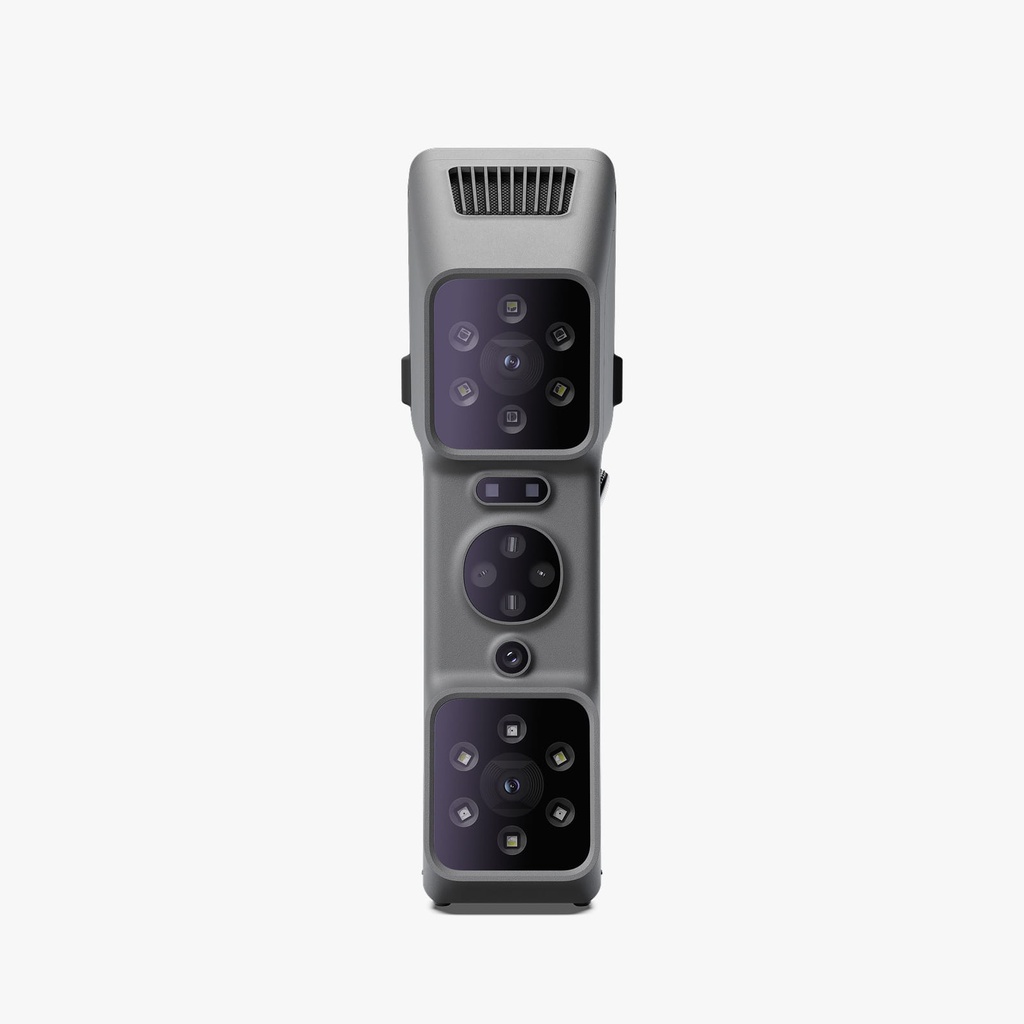
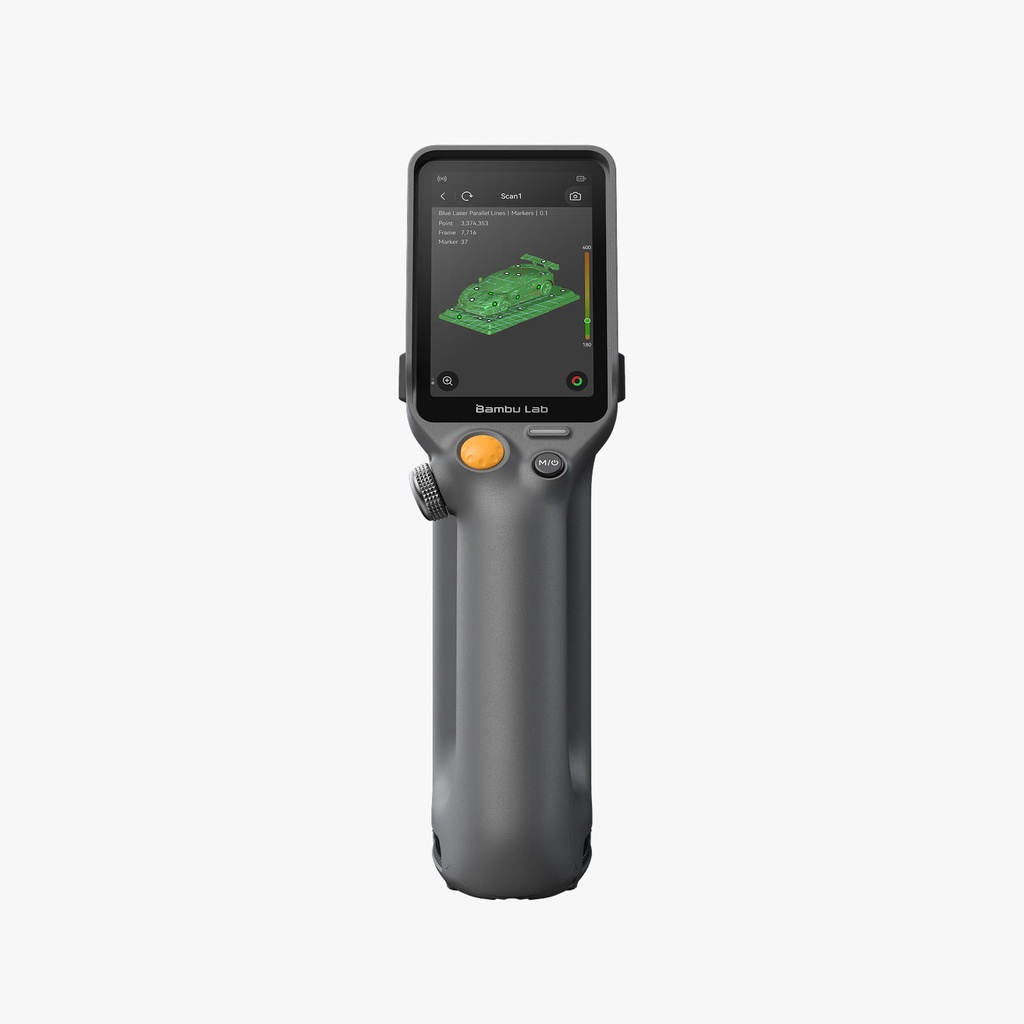
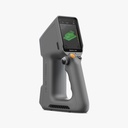
The S1 is Bambu Lab’s first 3D scanner: a wireless handheld scanner with a blue laser and infrared structured light, a built-in 3.5" touchscreen and two batteries for up to 3.5 hours of scanning. With the new Bambu Scan software you pick a preset, scan your object and send the model to Bambu Studio in one click, ready to print.
Why the S1
From car parts to miniatures, without the hassle
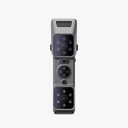
Two light sources, four scanning modes
34 crossed blue laser lines to cover large surfaces fast, 7 parallel lines for fine detail, a single line for deep holes and tight spots, and IR structured light for quick, comfortable scans of people and larger objects.
Accurate to 0.02 mm, in colour
Volumetric accuracy of 0.02 mm + 0.06 mm/m with the blue laser, at up to 90 fps. A built-in RGB camera captures the real colours of your object as well.
Truly wireless
A built-in Wi-Fi 6 module with millisecond latency, so you see what you scan as you scan it. Prefer a cable? Connect directly to your PC with the included USB-C cable.
Up to 3.5 hours per charge
Two built-in 4800 mAh batteries, even in high-power mode. With the included fast charger (up to 60 W) it is full again in about 1.5 hours.
3.5" touchscreen on the scanner
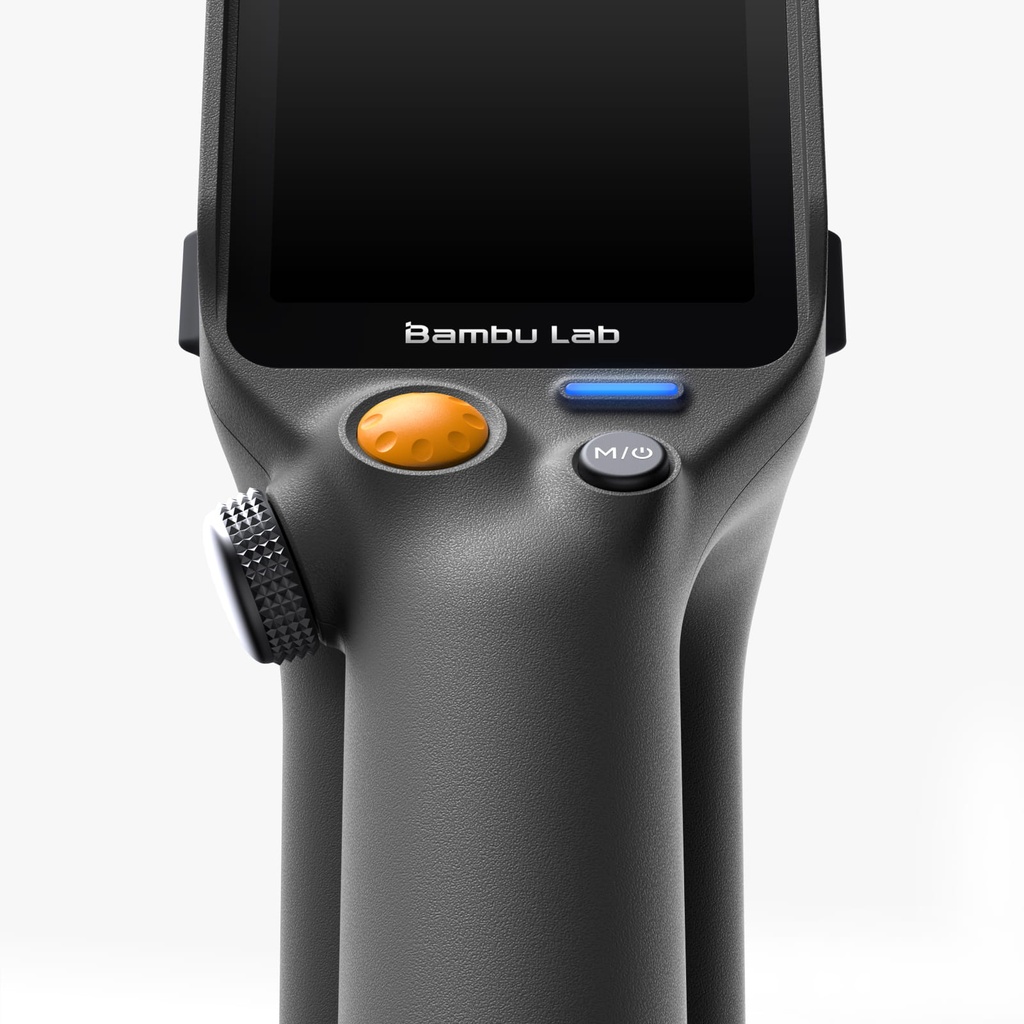
Follow the scan on the device itself and change modes and parameters without walking back to your PC. Buttons and the scroll wheel sit right under your thumb.
Smart settings, 14 presets
Answer a few questions about your object and Bambu Scan picks the parameters. Or choose a preset: face, body, mini figures, cultural relics and art, automotive parts, glossy black parts and more.
8 editing tools included
Quick measurement, coordinate alignment, reference models, feature fitting and measurement, a 3D deviation heatmap and sculpting: free with your S1, no extra licence needed.
One click to Bambu Studio
Done editing? One click and your model opens in Bambu Studio, ready to print on your Bambu Lab printer.
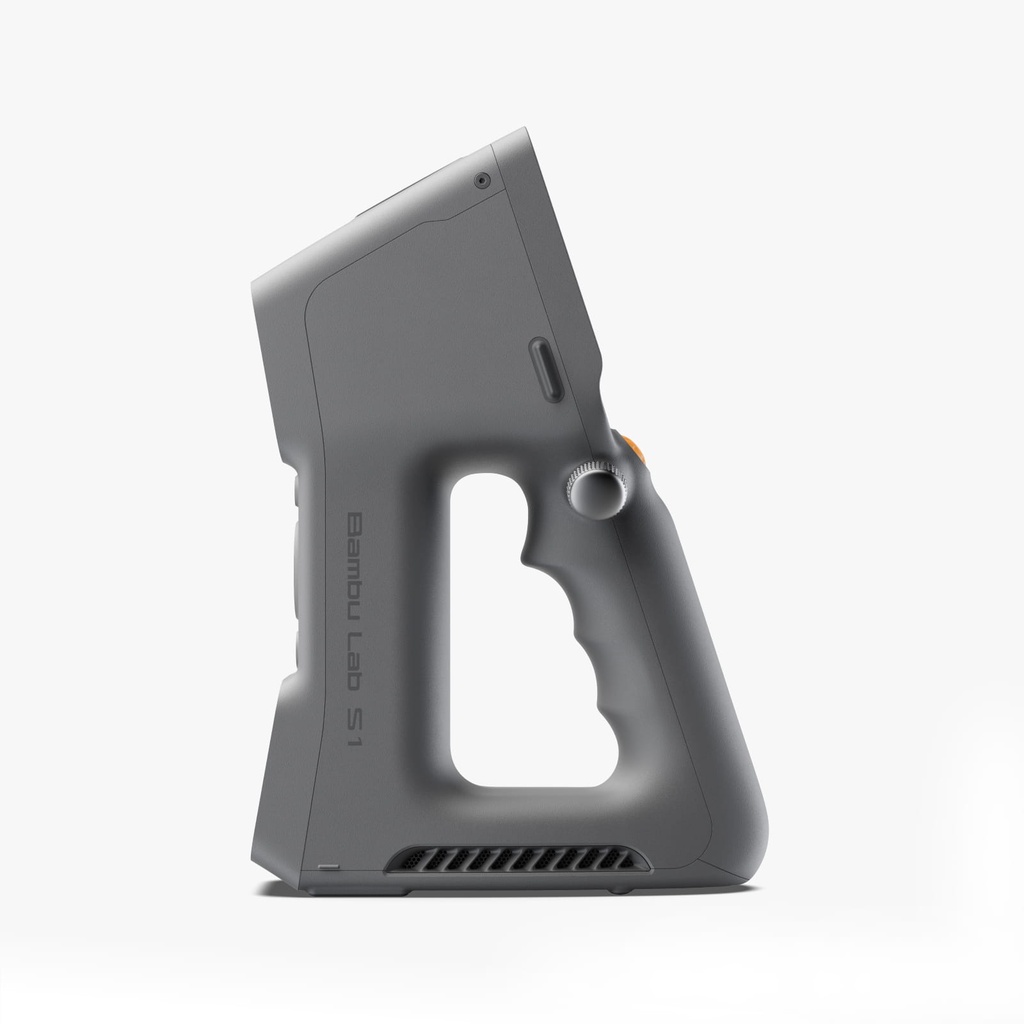
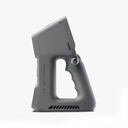
Ergonomic grip
The handle follows the shape of your hand, so you are holding it at the right scanning angle straight away. At 710 g it stays comfortable during longer sessions too.
Applications
Who is the S1 for?
Reverse engineering & repairs
Scan a broken or hard-to-find part, measure it and print a replacement. Feature fitting and the deviation heatmap let you check your design against the original.
Makers, cosplay & art
Heads, bodies, figures and artwork in colour. Use the presets for face, body and mini figures, and print the result straight away on your Bambu Lab printer.
Education & makerspaces
An accessible way into 3D scanning: presets and smart settings keep it simple, while the professional tools give students room to grow.
Technical specifications
The S1 currently works only with Windows PCs with an Nvidia graphics card; macOS and ARM-based PCs are not supported yet. Not sure your PC is up to it? Download Bambu Scan and run its built-in performance test. Transparent objects such as glass need a coat of scanning spray first. Accuracy and battery figures are Bambu Lab lab results.
In the box
- Bambu Lab S1 3D Scanner
- High-precision glass calibration board
- 6 mm markers
- 3 mm markers
- USB-C cable
- Fast charger
- Lanyard
- Carrying case
From scan to print
Scanning to print? Order a few spools of PLA Basic with it. Bambu Lab is also bringing out an official Wi-Fi adapter (for PCs without Wi-Fi 6) and an electric turntable for even steadier scans of small objects: ask us about availability.
PLA BasicAsk about accessoriesFrom scan to print
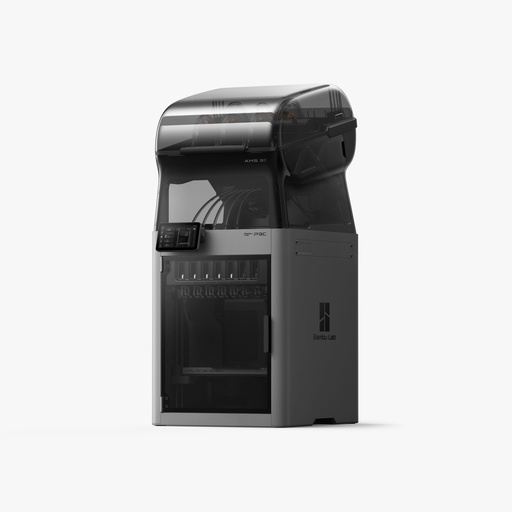
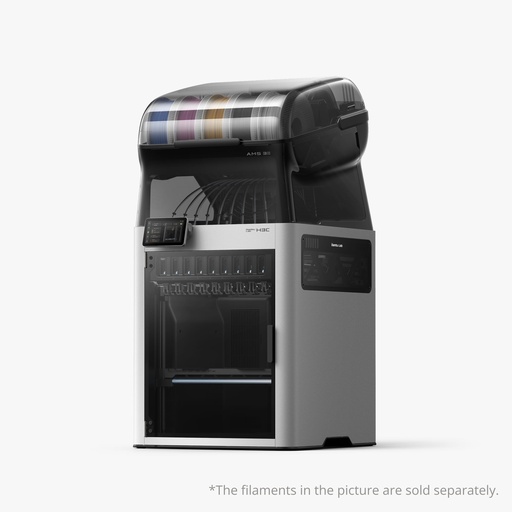
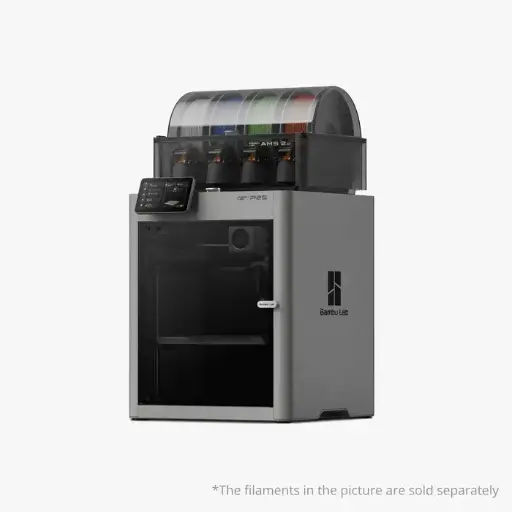
Pair it with a Bambu Lab printer
Official Bambu Lab dealer
More than a scanner
With FabLab Factory you get a local partner, from advice to repairs.
Expert advice
Not sure the S1 suits your application, or which scanning mode you need? We are happy to think along with you.
Ask us →Maintenance & repair
Our own repair centre in Aalst, so you are never left on your own with your device.
Ask us →Showroom in Aalst
See our Bambu Lab machines in action and get expert advice, by appointment.
Book an appointment →FAQ
Frequently asked questions
What PC do I need?
A 64-bit Windows 10/11 PC with an Nvidia graphics card. Minimum: Intel i7 7th gen or AMD Ryzen 7, 16 GB RAM and an Nvidia RTX 2060 with 6 GB VRAM. Recommended: Intel i7 13th gen or AMD Ryzen 9, 32 GB RAM and an RTX 3060 with 8 GB VRAM. Bambu Scan has a built-in performance test to check your PC.
Does the S1 work with a Mac?
Not yet. Bambu Lab has announced macOS support, but for now the S1 only works with Windows PCs that meet the requirements. ARM-based Windows PCs and PCs without an Nvidia graphics card are not supported.
Are the editing tools in Bambu Scan free?
Yes. All advanced editing tools are available when your S1 is connected to your PC; some tools are limited when the scanner is not connected.
Can I scan wirelessly?
Yes, over Wi-Fi 6. Your PC needs to support Wi-Fi 6, or you can use Bambu Lab’s official Wi-Fi adapter (sold separately). Scanning with a cable? Connect the S1 directly to your PC with the official cable: standard USB-C cables, USB-C to USB-A cables and docking stations do not transfer data fast enough.
Which scanning mode should I choose?
34 crossed laser lines for large surfaces, 7 parallel lines for fine detail, a single line for deep holes and IR light for people and larger objects. For the highest accuracy, use the blue laser with marker-based alignment and a smaller point spacing; for objects of 15 cm or less, the mini figures preset works best.
Can I scan glass or shiny objects?
Transparent objects such as glass or lampshades need a coat of scanning spray first. For glossy black and high-gloss parts, Bambu Scan has a dedicated preset.
How long does the battery last?
Up to 3.5 hours, even in high-power mode (Bambu Lab lab test). With the included fast charger it charges from 0 to 100% in about 1.5 hours.
How fast is delivery?
In stock means delivery in 1 to 3 working days. Out of stock? Order anyway and we’ll deliver as soon as it arrives.
Still unsure?
We’re happy to help you choose the right scanner, by phone, by email or in our showroom in Aalst.