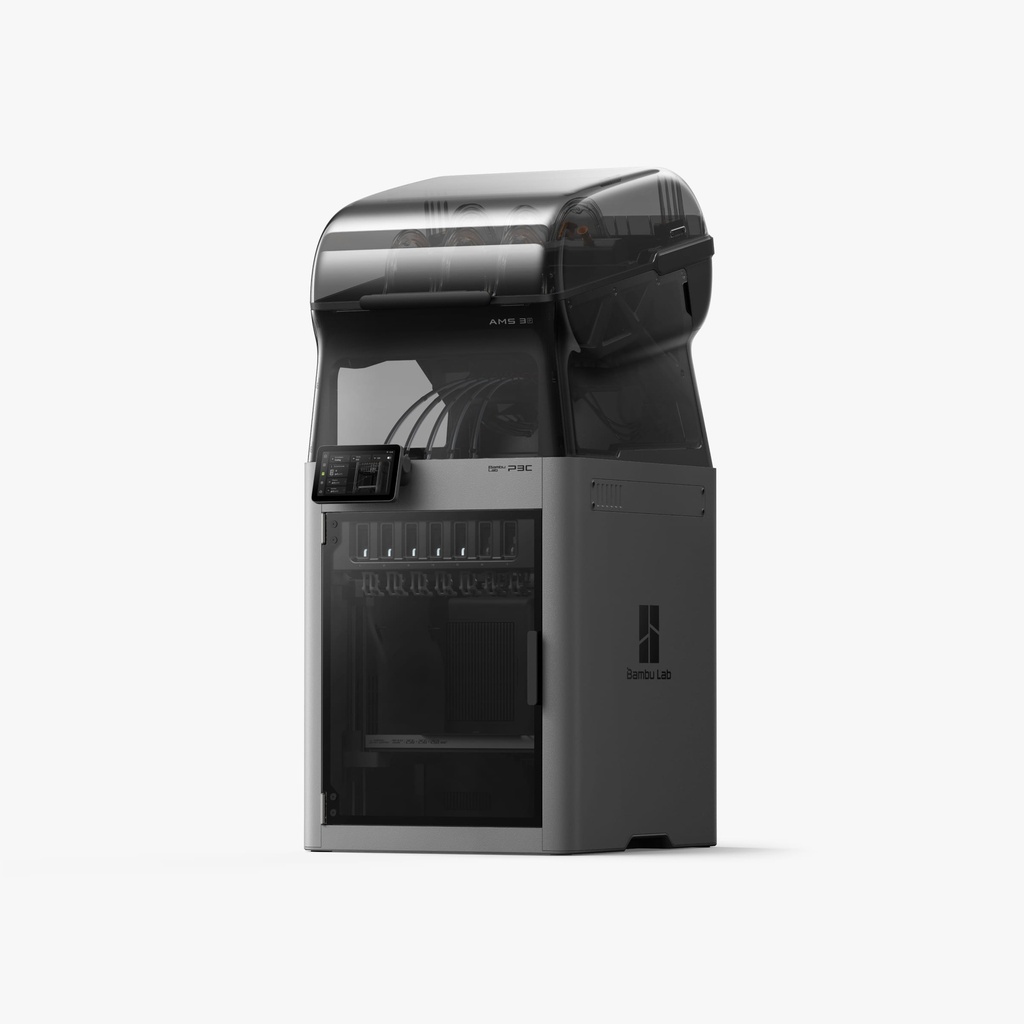
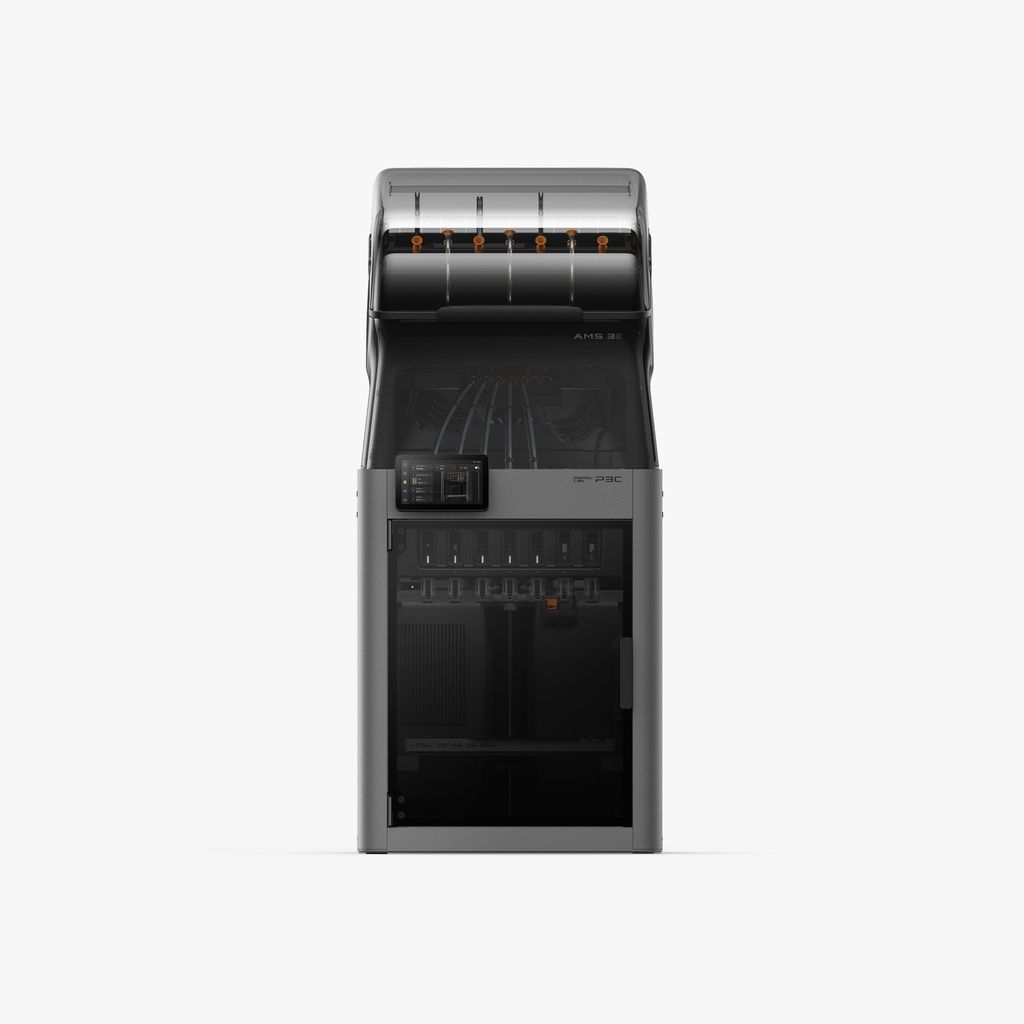
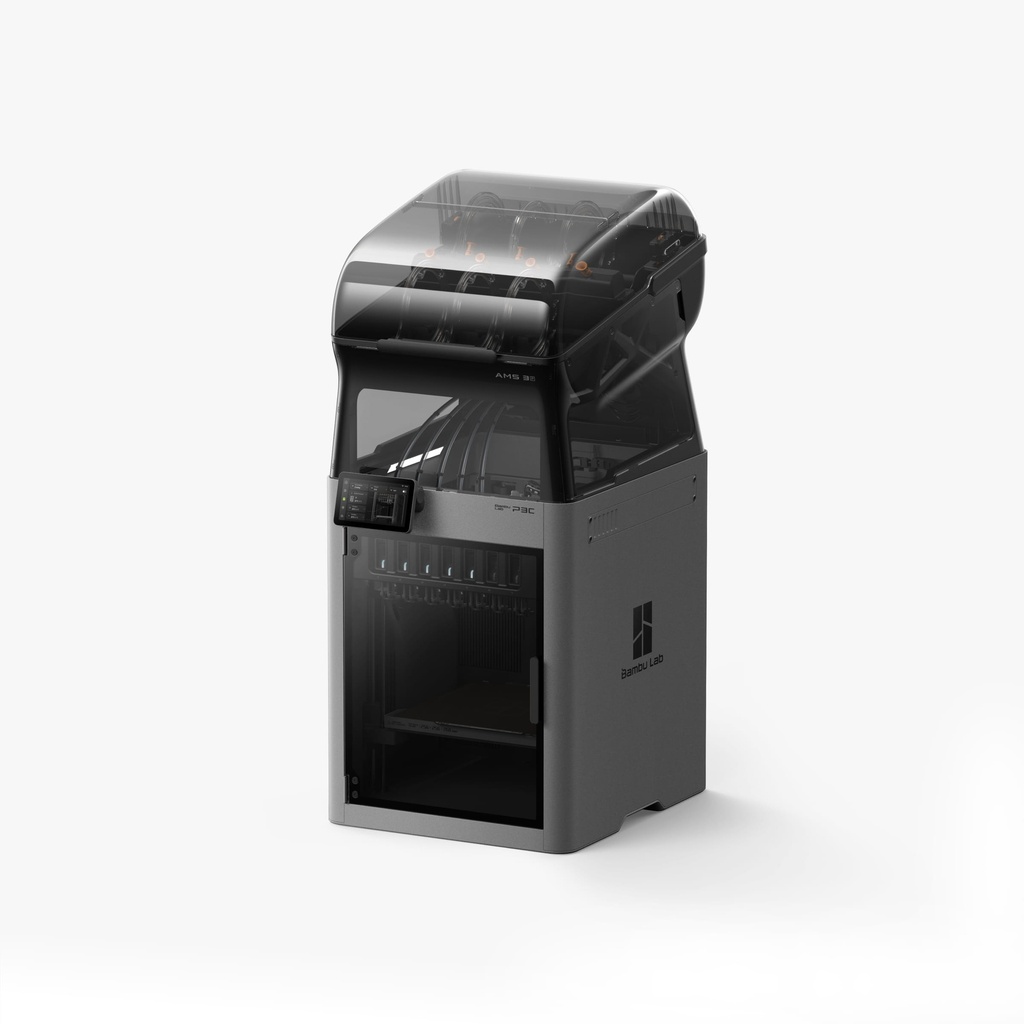
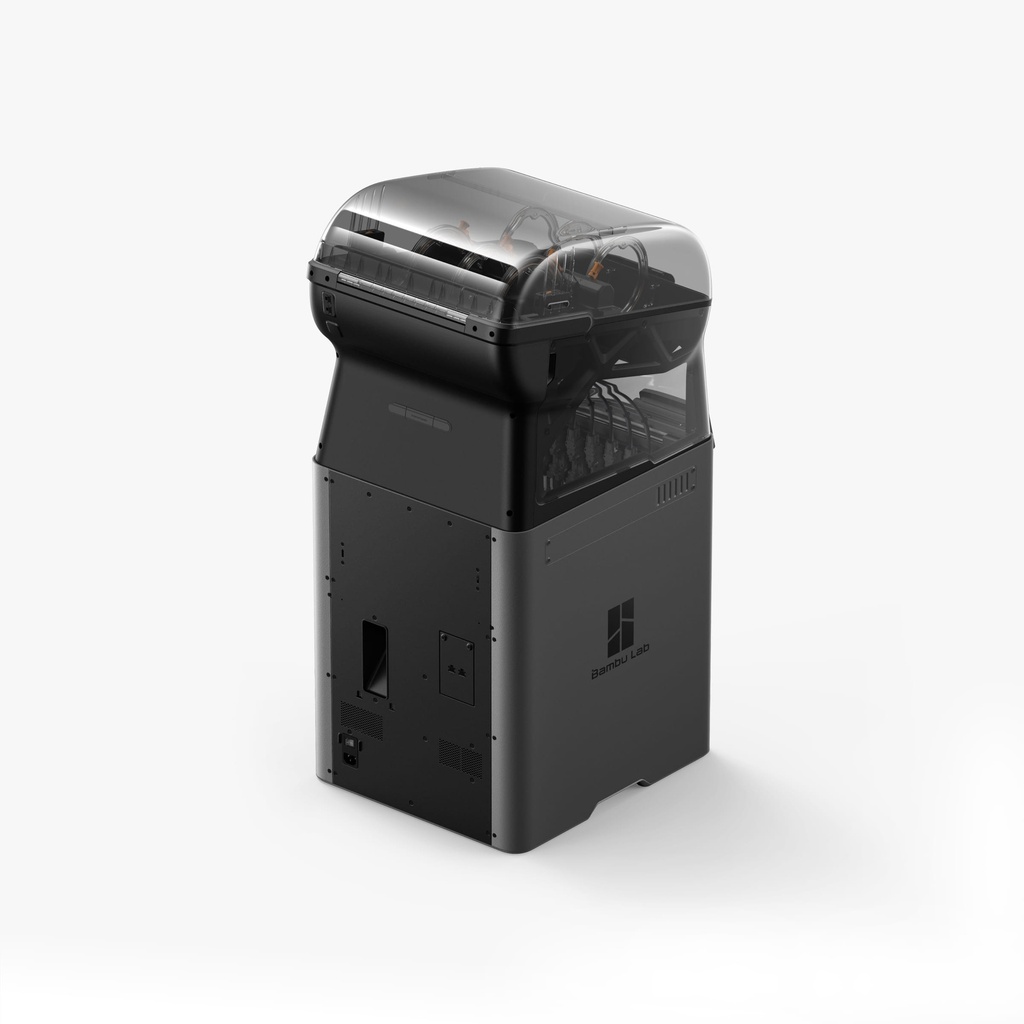
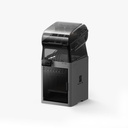
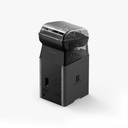
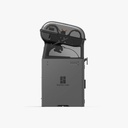
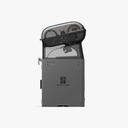
Bambu Lab P3C Combo
A tool changer, now within reach
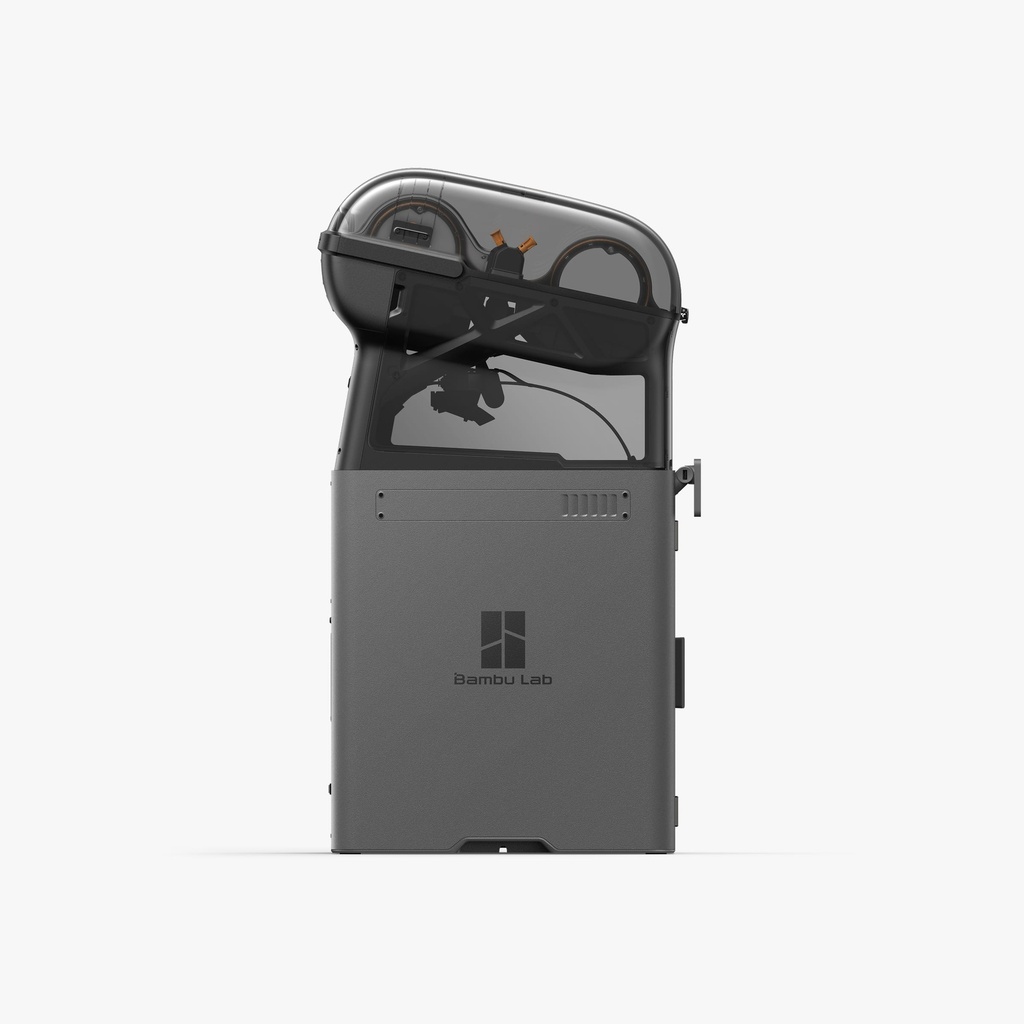
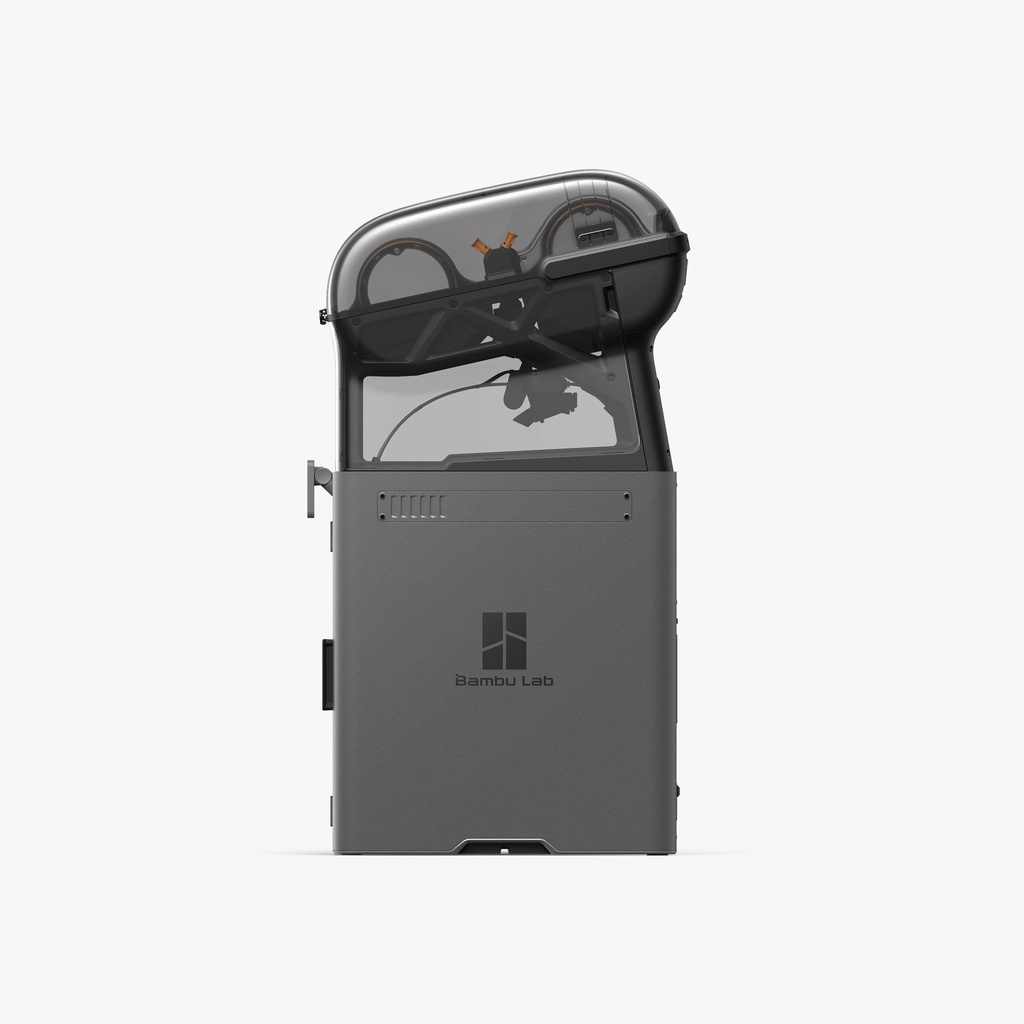
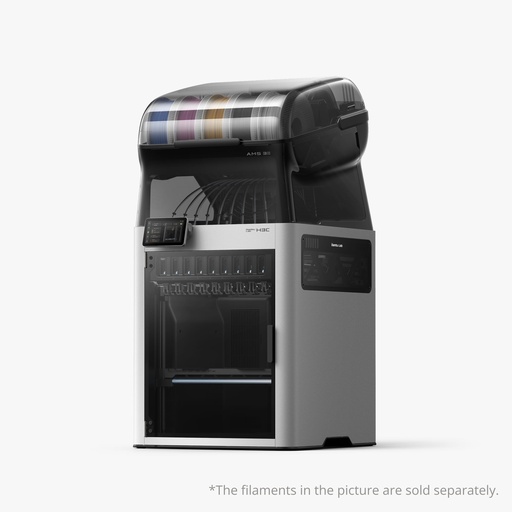
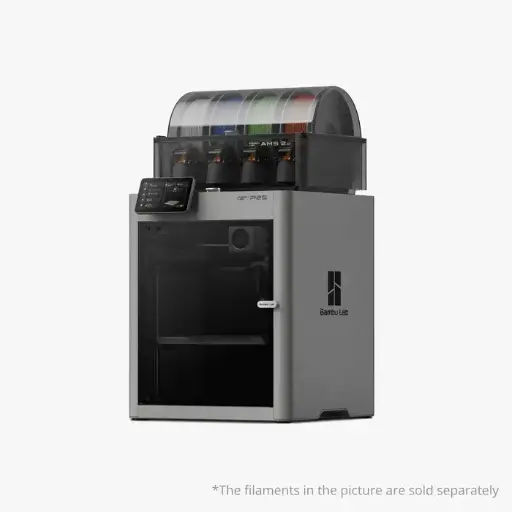
The P3C brings Bambu Lab’s Swaptek™ tool changer to a more affordable printer. Five PrintTools, each with its own filament path and heater, stay loaded and switch materials in about 6 seconds, with just 38 mg of purge. Two open slots leave room for extra PrintTools or CraftTools. The AMS 3P comes with the Combo: seven spools in sealed storage, right on top of the printer.
Why the P3C Combo
Multicolour and multi-material, with minimal waste
Swaptek™ tool changer
Each PrintTool has its own filament path and heater, so there’s no unloading and reloading. Active Pre-Heat warms up the next nozzle while the current one prints: a tool change takes 3.4 s, a material change about 6 s, with just 38 mg of purge.
AMS 3P included
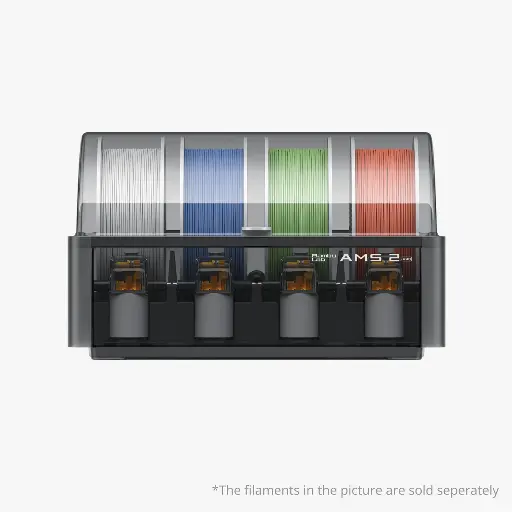
Seven spools in a sealed chamber on top of the printer, with RFID and dedicated internal filament paths. No spools hanging off the side, no loose tubes. You load filament by hand: the AMS 3P has no automatic feeding.
Two open slots
The P3C comes with five 0.4 mm PrintTools and has room for two more. Add 1.75 mm PrintTools for seven materials, a 2.85 mm PrintTool for ultra-soft TPU, or CraftTools.
Colour mixing with CMYKW
One PrintTool per base colour (cyan, magenta, yellow, black and white): colour mixing works straight out of the box. You’ll need the Bambu PLA Palette (CMYKW) for this.
FlexFeed for soft TPU
FlexFeed handles both 1.75 mm and 2.85 mm filament. With the optional 2.85 mm PrintTool you print TPU as soft as 75A, at up to 3× the volumetric flow.
Different nozzles in one print
Fine details with 0.2 mm, the rest with 0.4 mm. Bambu Studio gives each PrintTool its own layer height. PrintTools in 0.2, 0.6 and 0.8 mm are sold separately.
Up to 22 materials
Connect an AMS, AMS 2 Pro or AMS HT to PrintTool 1 via the optional external AMS buffer. Up to four external units, up to 22 materials.
Self-calibrating, with AI monitoring
The P3C calibrates Swaptek and the nozzle offsets itself, before every print. AI detects spaghetti, clogs and a jammed purge bin, and the new HMS with MiniWiki shows the fix step by step on screen.
More than 3D printing
With the optional CraftTools you can cut, draw, deboss and transfer foil. Swaptek swaps them automatically within the same job.
Applications
Who is the P3C Combo for?
Makers & designers
Full-colour figures with CMYKW colour mixing, multicolour models without painting, and print-in-place designs with flexible TPU joints.
Product development & engineering
Functional prototypes in one piece: a rigid housing with a soft grip, or fine details with a 0.2 mm nozzle next to faster 0.4 mm walls.
Education & makerspaces
An affordable, enclosed tool changer with HEPA and carbon filter that calibrates itself and explains errors on screen. With CraftTools, it can also cut and draw.
Technical specifications
During heat-up the printer draws maximum power for 3 to 5 minutes. Limited circuit capacity? Low Power Mode keeps it at 950 W; the bed then heats up more slowly. The AMS 3P sits on top of the printer: place the P3C on the floor or on a low, stable surface and allow 513 × 960 × 1212 mm of space.
What’s in the box
- Bambu Lab P3C
- AMS 3P (ships in a separate package)
- 5 × PrintTool 0.4 mm (1.75 mm, hardened steel)
- Textured PEI build plate
- Accessory box
Fill your AMS 3P straight away
Seven slots, five PrintTools ready to go. Combine PLA Basic with support filament, and add TPU for AMS for soft parts. For colour mixing you’ll need the Bambu PLA Palette (CMYKW): feel free to ask us about availability.
PLA BasicSupport for PLATPU for AMSChoose your version
More power, or an alternative?
Official Bambu Lab dealer
More than a printer
With FabLab Factory you get a local partner, from setup to repairs.
Launch package
Installation and guidance at your location, so you can get started right away with Swaptek.
Ask us →Maintenance & repair
Our own repair centre in Aalst and maintenance tailored to your machine.
Ask us →Showroom in Aalst
See our Bambu Lab printers in action and get expert advice, by appointment.
Book an appointment →FAQ
Frequently asked questions
How does it differ from the H3C?
The H3C has nine PrintTools, a larger build volume (330 × 320 × 325 mm), a chamber actively heated up to 65 °C and the AMS 3H with automatic loading and a built-in 85 °C dryer. The P3C has seven tool slots with five PrintTools included, prints up to 300 °C and pairs with the AMS 3P: sealed storage for seven spools, manual loading and optional drying up to 75 °C.
How many materials can I use in one print?
Five with the included PrintTools, seven if you add two 1.75 mm PrintTools. Connect up to four external AMS units to PrintTool 1 via the optional external AMS buffer to go up to 22 materials.
Is a 2.85 mm PrintTool included?
No. The P3C AMS Combo comes with five PrintTools for 1.75 mm. For 2.85 mm TPU, add a 2.85 mm PrintTool and feed the filament through a bypass port of the AMS 3P (slots 1, 3, 4, 5 and 7).
Does the AMS 3P dry filament?
Not as standard. The AMS 3P keeps seven spools in a sealed chamber. The optional Dryer Module dries slots 2 and 4 at up to 75 °C, also while printing. It needs its own 24 V power adapter.
Does the AMS 3P load filament automatically?
No, you feed the filament in by hand. There is no official accessory for automatic loading.
Can I print carbon fibre filament?
Yes. All nozzles, from 0.2 to 0.8 mm, are made of fully hardened steel (HRC 55+) and handle carbon fibre, glass fibre and other composite filaments.
Can the P3C also cut and draw?
Yes, with the optional Crafting Upgrade Kit (including cutting mat), the CutTool or the DrawTool. They swap automatically, just like the PrintTools. The optional BirdsEye camera makes alignment smoother.
How much space do I need?
Allow 513 × 960 × 1212 mm: 322 mm at the front for the door, 277 mm at the top for the AMS lid, 100 mm at the back and 50 mm on each side. On a Bambu Station, allow 1800 mm in height.
How fast is delivery?
In stock means delivery in 1 to 3 working days. The printer and the AMS 3P ship in separate packages and may arrive at different times. Out of stock? Order anyway and we’ll deliver as soon as it arrives.
Still unsure?
We’re happy to help you choose the right printer, by phone, by email or in our showroom in Aalst.