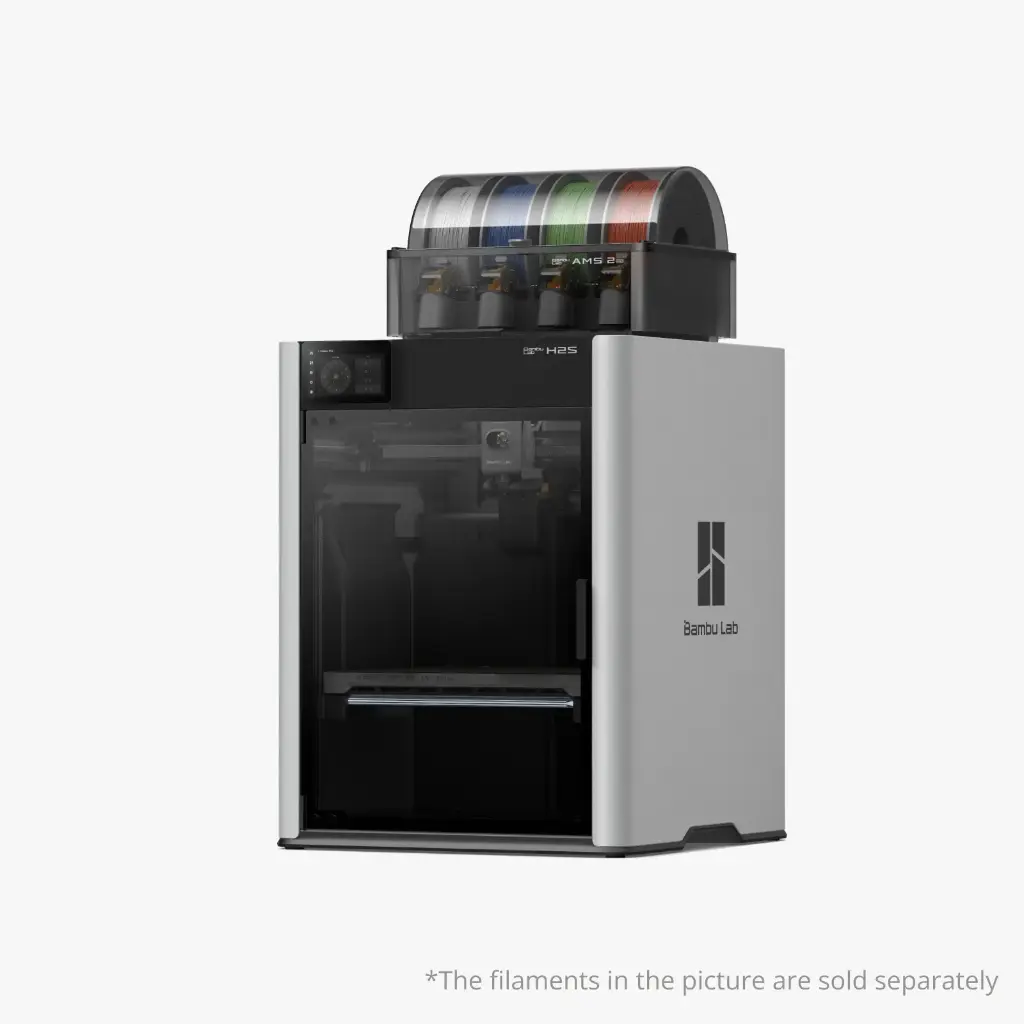
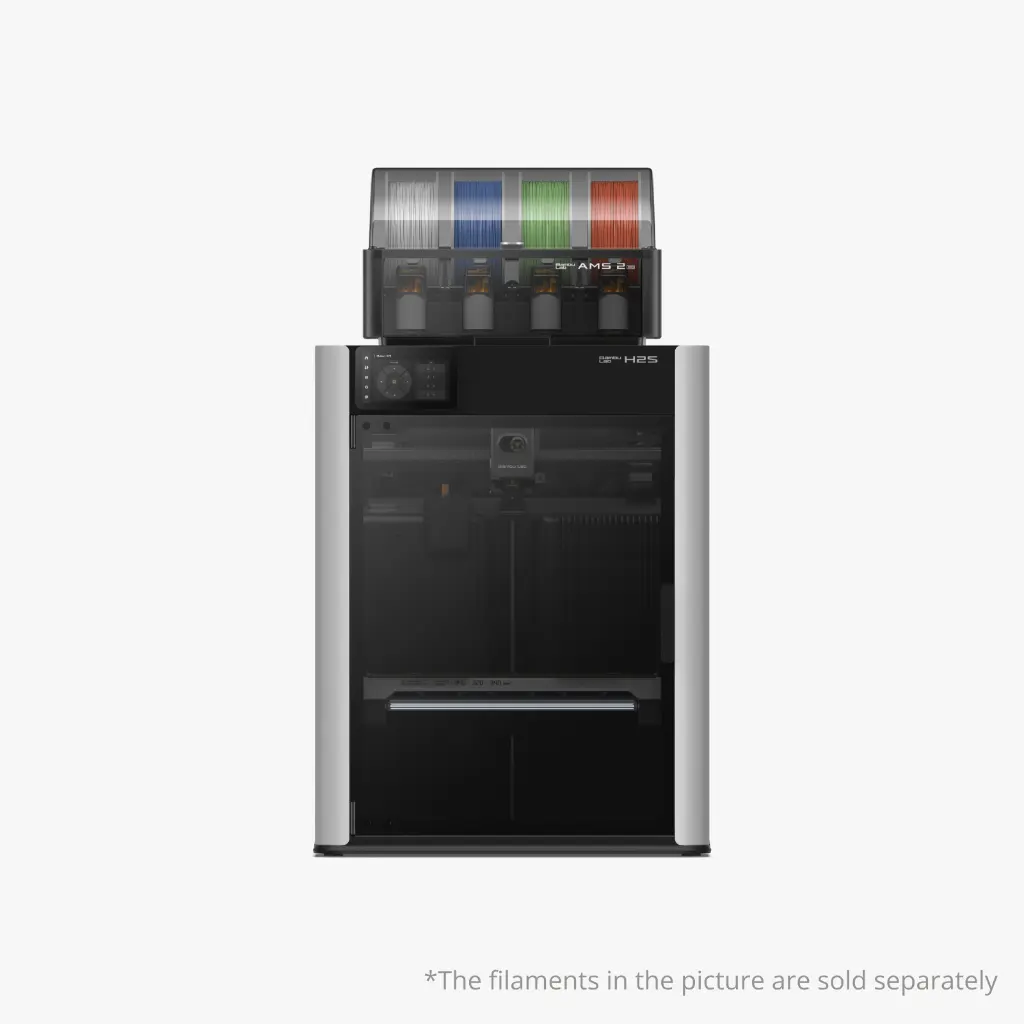
Bambu Lab H2S AMS Combo + installatie
Large format in full colour, installed at your site
Everything the H2S AMS Combo offers, plus on-site installation in Belgium and a 2-hour workshop. Our technician sets up and calibrates the printer and teaches your team how to use it, so you are productive straight away.
Why this bundle
Worry-free from box to first print
On-site installation
Our technician places the H2S at your site, sets it up and calibrates it, so it is ready to use straight away.
2-hour workshop
Personal guidance for you or your team: the basics of the printer and Bambu Studio, your first print and answers to all your questions.
AMS 2 Pro included
Four spools with active drying, auto-rotating spools and airtight storage. Expandable to 24 colours.
Largest build volume
340 × 320 × 340 mm, the largest print volume of any Bambu Lab printer. Large parts in one piece.
Ready for engineering filaments
A hotend up to 350 °C and an actively heated chamber up to 65 °C: from PLA and PETG to PC, PA and PPA, also with carbon or glass fibre.
AI monitoring
Live view and toolhead cameras check the build plate before each print and detect clumping, spaghetti and jams.
Applications
Who is this bundle for?
Businesses
You want to print parts and prototypes right away, without spending time on setting up and figuring things out.
Schools
An installed printer and a workshop for your teachers, so the printer is actually used in class.
Makerspaces & libraries
A smooth start for your volunteers and supervisors, with a machine that is properly set up from day one.
Technical specifications
Make sure you have a suitable spot (Bambu Lab recommends 700 × 700 × 1100 mm) and a 200–240 V socket. No USB stick is included; you need one for timelapse and printing over LAN.
What’s in the box
- Bambu Lab H2S
- AMS 2 Pro
- Textured PEI build plate
- Spool holder, safety key and accessory box
- Installation and a 2-hour workshop at your site
Choose your version
Set up yourself, with laser or with two nozzles?
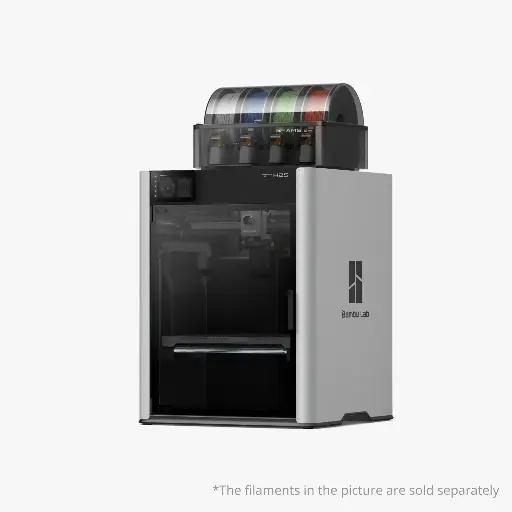
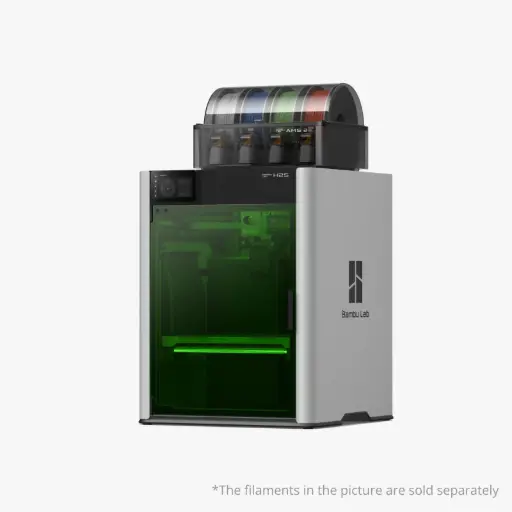
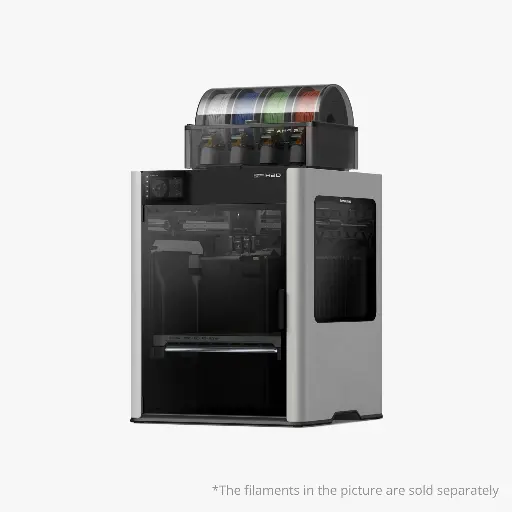
Official Bambu Lab dealer
More than a printer
With FabLab Factory you get a local partner, from setup to repairs.
Schedule installation
After your order we agree on a date together for the installation and workshop at your site.
Contact us →Maintenance & repairs
A maintenance contract for the H2 series and our own repair centre in Aalst.
Maintenance contract →Showroom in Aalst
Want to see the H2S first? Visit our showroom, by appointment.
Book an appointment →FAQ
Frequently asked questions
How does the installation work?
After your order we agree on a date. Our technician visits, places and calibrates the printer, followed by the 2-hour workshop.
What will I learn during the workshop?
We go through the basics together: operating the printer, preparing a model in Bambu Studio and starting a first print. We also answer all your questions.
Which AMS units work with the H2S?
Up to 4 AMS 2 Pro and 8 AMS HT (24 colours). The first-generation AMS also works, but without drying. The AMS lite is not supported.
Can I add a laser later?
Yes, with an upgrade kit you can add a 10 W laser and cutting module. A 40 W laser is not supported on the H2S.
Do I need a USB stick?
Printing works without one, but for timelapse recording, printing over LAN and storing files from Bambu Studio you need a USB stick (USB 2.0 or higher, FAT32 or exFAT). None is included.
Still unsure?
We’re happy to help you choose the right printer, by phone, by email or in our showroom in Aalst.
Produits alternatifs
Ces autres produits pourraient vous intéresser